 RadiusMapper
Draw and measure
Know what fits before you drive out
An acreage calculator map that also tells you how much parking fits
Click around a lot for the acreage and frontage, then drop in a parking layout and get a real stall count, all on aerial imagery.
Overview
Know the acreage and the parking count before you hang up
Questions about a pad site, like the acreage, the frontage or whether forty cars fit, usually mean pulling a plat, reading aerials and calling back the next day.
Here you trace the lot on the imagery. Every edge shows its length while you click, and closing the loop gives you acres or square feet on the spot. It's an acreage calculator map that measures on the curve of the earth, not on flat screen pixels, so big parcels come out right.
Then drag a parking lot onto it. Stalls, aisles and accessible spaces fill in, and the count updates as you stretch the corners. Add a building with its floor count and you'll see coverage, FAR and parking ratio before anyone opens CAD. Use it to screen and to talk it through, then confirm with a survey and local code.
Live measuring
Acres and Frontage While You're Still Clicking
Click around a lot and every edge labels itself in feet. Close the loop and the area appears in acres, square feet or square meters, with the perimeter beside it. Shapes stay editable, so when the imagery shows the curb sits a little farther out, you just drag the corner.
- Lines for frontage and setbacks, areas for lots and roofs
- Units in ft, mi, m, km, acres, sq ft and m²
- Saved in the project with names, colors and locks
Parking solver
Drop a Lot In and Watch the Stalls Fill
Drag a parking element onto the site and it lays out 9 by 18 foot stalls with drive aisles, entries and accessible spaces. Stretch it, turn the rows or switch from 90° to 60°, and the count changes as you go. It also tells you when a driveway can't reach an aisle or the layout comes up short on accessible spaces.
- 90°, 60°, 45° and parallel stalls
- Accessible and van spaces placed by the federal table
- Space count, aisle width and square feet per space
Site totals
Coverage, FAR and Parking Ratio Before CAD
Add a building, set its floors, and drop in drives, sidewalks and greenspace. Draw the lot in Measure and the totals run against it: footprint, gross floor area, parking per 1,000 square feet, lot coverage, FAR, impervious and open space.
- Set the floors and gross floor area works itself out
- Hide an element and it drops out of the totals
- Split buildings into units and mark common area
Capabilities
What You Can Measure and Plan
Live lengths and areas
Every edge shows its length as you click, and closing the loop on the first point turns the line into an area.
Measured on the globe
Areas and distances are computed on the earth's surface, not on the flat screen, so large parcels measure correctly.
Edit after drawing
Drag corners, pull a midpoint to add one, or drag the whole shape, with undo, copy, duplicate and paste.
Site elements to scale
Drag buildings, pads, parking, driveways, sidewalks and greenspace onto the map and type exact dimensions in feet.
A parking solver, not a stencil
Parking fills its shape with 9 by 18 foot stalls by default, real aisles and entries, and redraws as you reshape it.
Accessible spaces counted
The solver places accessible and van-accessible stalls and tells you when a layout falls short of the required number.
Site totals as you plan
Footprint, gross floor area, parking ratio, lot coverage, FAR, impervious and open space update with every change.
Saved with the project
Measurements and site plans are stored in the project, with each shape's name, color, lock and visibility.
Use Cases
Test Fits, Quotes and Listings
Measuring acreage and frontage of a retail pad
A tenant wants usable acreage and road frontage before they'll tour the outparcel. The county record says one thing, and the pad as built looks smaller.
Result: You quote measured acreage and frontage on the call, and both shapes are saved in the project for the listing package.
Testing a drive-thru restaurant site plan
Your team needs to know whether a 2,800 square foot building, a drive aisle and enough parking fit on a corner lot. Paying for a concept plan on every candidate is slow, and it adds up.
Result: A to-scale test fit with a stall count and parking ratio you can hold against local code before you call an architect.
Using a parking space calculator to quote a restripe
You're bidding a reseal and restripe on an older retail lot. The bid needs square footage, a stall count and how many accessible spaces the new layout has to include.
Result: Square footage, a proposed stall count and the accessible and van spaces the layout needs, all in one bid.
Checking lot coverage and FAR for a medical office
You're weighing a two-story medical office on a suburban parcel with coverage and open-space limits. You want to know if it pencils before anyone draws it properly.
Result: Coverage, FAR and parking ratio for the concept, checked against zoning in one sitting.
Reference
What Measure and Site Plan calculate
Measure readouts
- Length of every segment
- Total path length
- Area of closed shapes
- Perimeter
- Live value while drawing
- Length units: auto, ft, mi, m, km
- Area units: auto, acres, sq ft, m²
Site elements
- Building
- Plaza pad
- Parking
- Driveway
- Sidewalk
- Greenspace
Building controls
- Width and depth in feet
- Rotation angle
- Floor count
- Gross floor area
- Split into units with dividers
- Merge touching units
- Mark common area or rentable
Parking solver
- Space count
- Stall size and angle
- Aisle width, one-way or two-way
- Accessible and van-accessible spaces
- Shortfall against the accessible table
- Square feet per space
- Warnings when a driveway can't reach an aisle
- Row direction and open-edge options
Site totals
- Building footprint
- Gross floor area
- Parking spaces and area
- Parking ratio per 1,000 SF
- Greenspace
- Plaza and pad area
- Drives
- Total improved area
Lot ratios
- Lot area
- Lot coverage
- Floor area ratio
- Impervious share
- Open space share
Works With
Connected to the Rest of Your Map
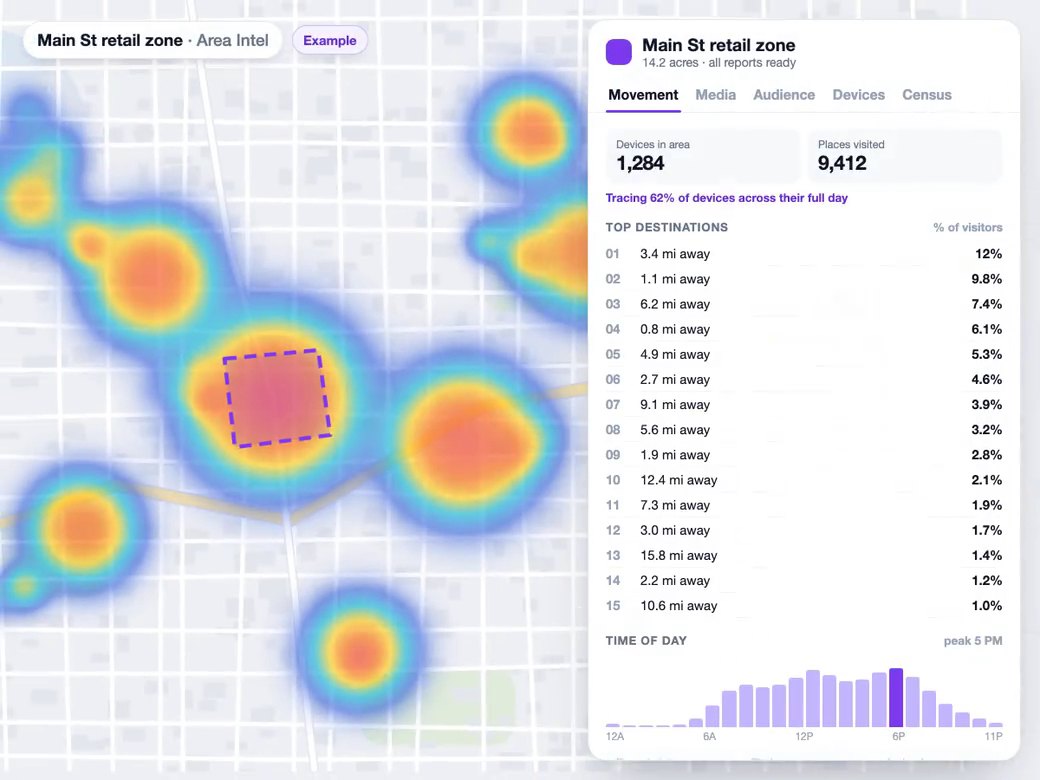
Visitor intel
Right-click a parcel and choose Generate, then Area Intel to trace its boundary as an Intel zone, or draw any area with the same tool.
Learn more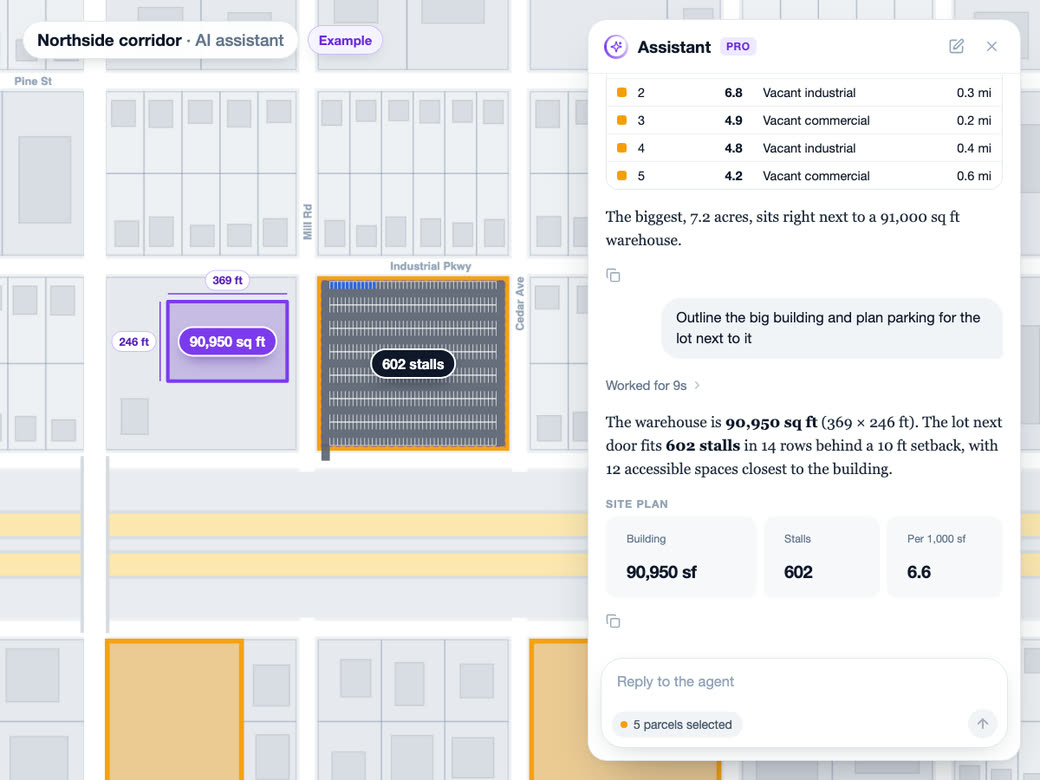
AI analyst
The AI analyst uses the same engine to draw measurements, trace building footprints and lay out parking stalls, and every shape it adds stays editable.
Learn more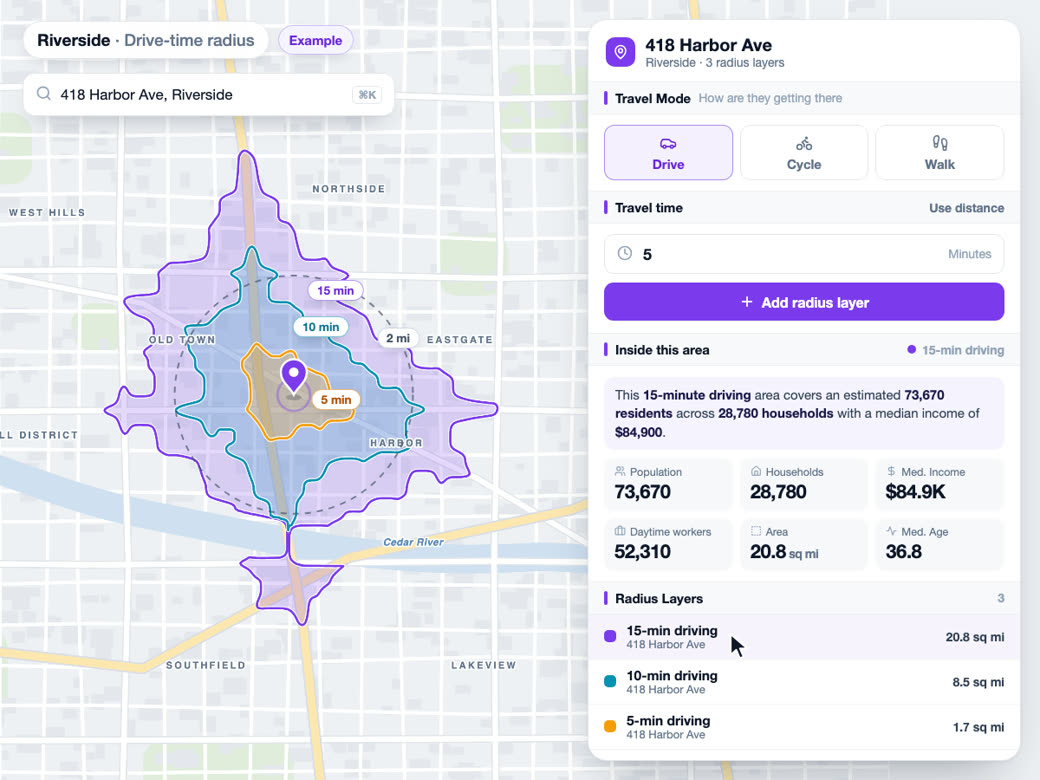
Drive-time maps
The right-click menu that starts a measurement also offers Generate, then Radius Map for a 10-minute drive zone from that point.
Learn moreSolutions
Where Teams Use It
Try Draw and measure on Your Own Site
Free to start. No credit card required.
Common Questions
How do I measure acreage on a map?
Open Measure, click + Measure, and click your way around the property line. Click the first point again to close it and the area shows up in acres or square feet, with the perimeter next to it. Turn on aerial imagery first and the edges are much easier to follow.
How accurate is a map area calculator?
The math runs on the earth's surface, so the number is as good as the points you place. Over clear aerial imagery that's plenty for pricing, planning and comparing sites. It doesn't replace a boundary survey or a recorded plat.
How many parking spaces fit in a lot?
Drop a Parking element in Site over the paved area and the solver fills it with stalls and aisles, then gives you the count. Try 90°, 60°, 45° and parallel, turn the rows, and watch the square feet per space move. Where the driveway goes matters too, and the panel tells you if an entry can't reach an aisle.
How many ADA parking spaces are required?
The solver uses the federal accessible-parking table: 1 accessible space for up to 25 spaces, 2 for 26 to 50, stepping up from there to 2 percent of spaces between 501 and 1,000. One in every six accessible spaces is laid out van-accessible. Your local code may ask for more, so check before you finalize.
Can I make a site plan online without CAD?
For early feasibility, yes. Place buildings with floor counts, parking, drives, sidewalks and greenspace to scale on aerial imagery, and coverage, FAR and parking ratio update as you go. It's built for test fits and conversations, not construction documents.
How do I measure distance or road frontage on a map?
Draw a line in Measure along the curb or property line and press Enter to finish it. Every segment shows its length in feet as you click, with the total beside the line. Rename it Frontage in the layer list and it stays saved in the project with the lot.